
How AI Image Workflows Are Changing the Way Visual Content Gets Made
- Staff Desk
- 6 hours ago
- 4 min read

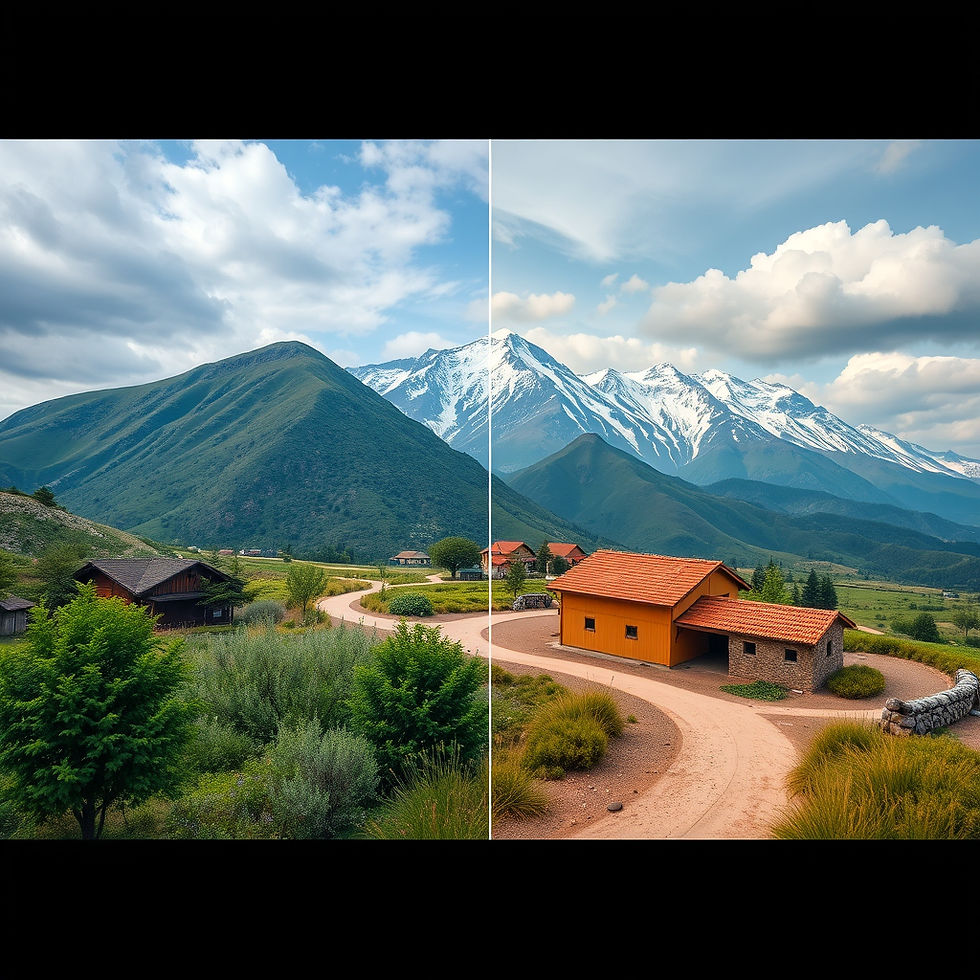
Making visual content used to follow a pretty predictable path: come up with the concept, shoot or source an image, edit it in some design software, resize it for wherever it's going, then publish. AI tools have loosened that whole process up. Now creators can move between generating, editing, refining, and producing content without treating each step like its own separate, walled-off task.
The real shift here isn't just "you can generate images from text now." Modern AI image workflows can also edit existing visuals, follow a reference image, strip out backgrounds, boost resolution, and help develop visual concepts across a bunch of different channels at once.
Going From a Blank Prompt to an Actual Finished Visual
Text-to-image generation is usually where things start when there's no source image yet to work from. A creator can describe a scene, a product concept, an illustration, an ad idea, or a social visual, and let an image model produce a first direction to react to.
But that first generated image is almost never the final asset. Teams usually need to tweak the composition, shift colors, change objects around, clean up the background, or adapt it for a specific format. That's where image-to-image editing earns its keep — instead of starting over from a blank prompt every time, an existing image becomes the foundation for whatever comes next.
Platforms like AI Image Editor bring different generation and editing workflows together in one place, letting people approach a project based on the actual visual problem they're trying to solve, rather than being boxed into one single tool or method.
Reference Images Give You a Lot More Control
Reference-led workflows really shine when consistency actually matters. A reference image communicates things that are genuinely hard to put into words — composition, styling, how a subject should look, or how several elements relate to each other in a scene.
Take an ecommerce team with an existing product photo who needs several creative variations for different campaigns. Instead of rebuilding the product concept from scratch every time, a reference-based workflow can guide the generation or editing process while keeping the product itself recognizable and consistent.
The same idea applies to designers building out a series of social graphics. A reference image sets the visual direction, while prompts and editing instructions handle what actually changes from one variation to the next.
Picking the Right Model for the Job
Different image models behave differently depending on the task, the input material, the style you're going for, and how much control you actually need. Because of that, choosing a model is really part of the workflow itself, not something to treat as a one-size-fits-all decision.
AI Image Editor covers several models, including GPT Image 2, Nano Banana 2, and Seedream 5 Lite. When working with something like Nano Banana 2, it's worth focusing on the actual requirements of the task at hand — are you generating from scratch, editing an existing image, working from a reference, or refining something through several rounds of iteration?
That framing makes model selection a lot more practical. Instead of asking which model is objectively "the best," it's more useful to ask which available workflow actually fits your source material, your output needs, your review process, and your production timeline.
Getting Images Ready for Different Channels
Generating an image is really just one piece of the larger production process. A finished visual usually needs more prep work before it's actually ready to go live somewhere.
Background removal, for instance, comes in handy when a product needs to be dropped into a new composition. Upscaling matters when an existing asset just doesn't have enough resolution for where it's headed next. Both of these become especially important for ecommerce catalogs, ad creative, presentations, and promotional graphics, since the same image often needs to show up at several different sizes across different platforms.
Social teams run into this constantly too — a single idea often needs to become a square post, a vertical story, a thumbnail, and a banner, all from the same core concept. AI-assisted editing helps adapt the visual direction across all of that while still leaving room for actual human review and design polish.
Extending This Logic Into Short Video
The same workflow thinking is increasingly showing up in short-form video too. Instead of building every single frame by hand, creators can lean on text-to-video, image-to-video, or reference-to-video workflows depending on what material they're actually starting with.
An existing image, for example, can become the starting point for a short motion sequence, while a text prompt defines the movement or the setting around it. From there, video editing tools help refine the result, rather than treating whatever comes out of the generator as a finished product on its own.
For marketing and content teams, this speeds up the early development of ad concepts, social clips, product demos, and general visual experimentation. Which workflow actually makes sense really depends on where the project starts — an idea, an image, some reference material, or existing footage already in hand.
Human Review Still Has to Happen
AI genuinely speeds up visual experimentation, but it doesn't remove the need for actual editorial judgment. Generated images can end up with unwanted details, inconsistent elements, garbled text, or visual choices that just don't fit the intended audience.
Review matters even more when an image involves a real person, a recognizable brand, a specific product, or copyrighted material. It's worth checking platform terms, model-specific licensing conditions, and any relevant third-party rights before using generated or edited content commercially — trademark, copyright, privacy, and likeness issues can all determine whether a given asset is actually safe to publish.
At the end of the day, AI image workflows work best as part of a bigger creative process, not a replacement for one. Generation gives you a starting point, editing refines it, references sharpen the direction, and human review decides whether the final result actually does its job. For creators and content teams, that combination offers a much more flexible path from a rough visual idea to something genuinely ready for real-world use.



Comments