
How Hackers Steal Passwords and How You Can Stop Them
- Staff Desk
- Jan 17
- 5 min read

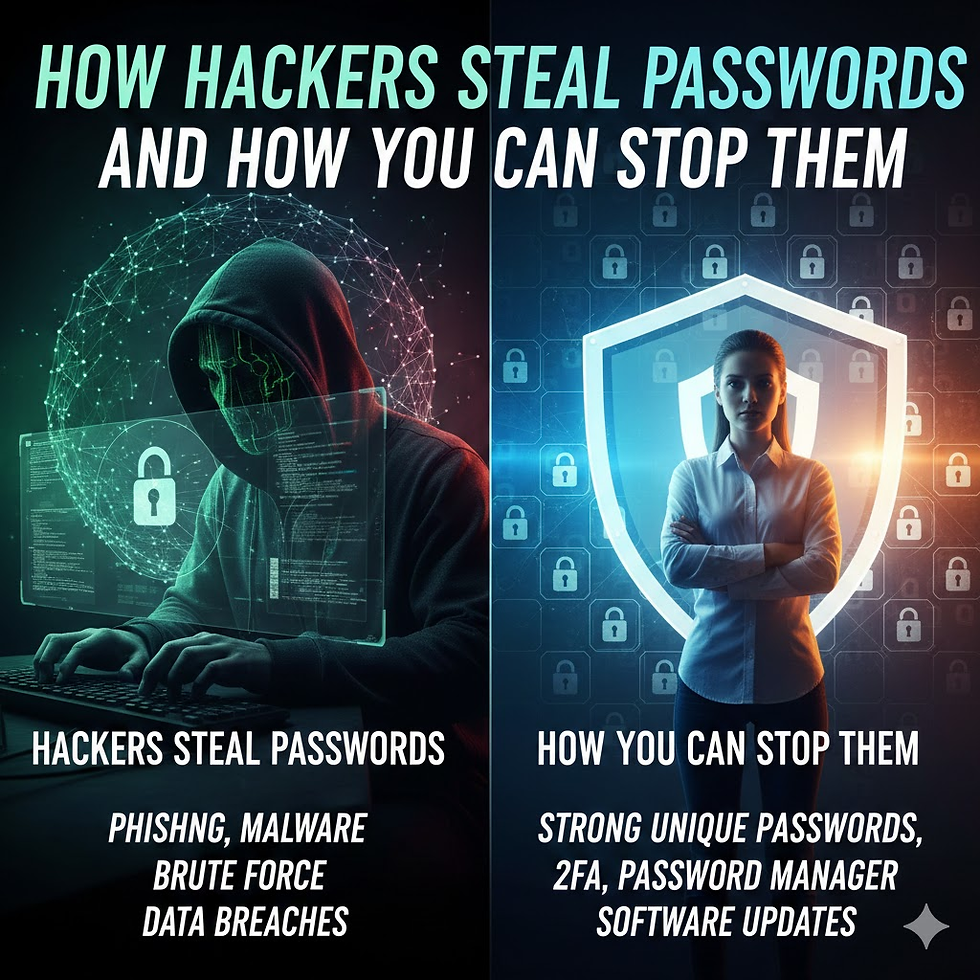
Passwords protect almost everything in our digital lives. Email, bank accounts, work systems, social media, and cloud tools all depend on them. When a password is stolen, attackers often gain full access with very little effort.
Security reports from major research groups show that stolen or misused passwords are the most common way attackers break into systems. This is not a small issue. It affects individuals, companies, hospitals, schools, and governments.
Hackers do not rely on magic or secret tricks. They use well-known methods that have worked for years. Understanding these methods helps people and organizations defend themselves better.
This article explains five common ways attackers steal passwords and then walks through clear, practical steps to prevent, detect, and respond to these attacks.
Why Password Attacks Work So Well
Password attacks succeed because many people reuse passwords, choose weak ones, or store them in unsafe ways. Attackers take advantage of human habits more than technical flaws.
Some common problems include:
Short or simple passwords
Reusing the same password across many sites
Writing passwords down
Clicking on fake login links
Not using extra security like multi-factor authentication
When attackers combine these weaknesses with automated tools, the results can be serious.
Five Common Ways Hackers Steal Passwords
1. Password Guessing
Password guessing is the simplest attack. The attacker tries to guess the password and log in directly.
The guesses may come from:
Personal information like names, birthdays, or pet names
Words found on sticky notes near computers
Common passwords like “password123”
Passwords leaked from older data breaches
Most systems limit login attempts, often locking an account after three failed tries. Because of this, guessing alone is not very effective unless the password is extremely weak.
Still, it works more often than people expect.
2. Password Harvesting
Password harvesting means stealing the password directly instead of guessing.
This usually happens in two main ways.
Malware and keyloggersAttackers may install malicious software on a device. This software records everything typed, including usernames and passwords. The stolen data is then sent to the attacker.
Phishing attacksPhishing tricks users into entering their login details on fake websites that look real. Once entered, the attacker captures the credentials and uses them later.
Harvesting is dangerous because the attacker gets the exact password. No guessing is needed.
3. Password Cracking
Password cracking happens after attackers steal a password database from a system.
Most systems store passwords in a hashed form. This means the original password is turned into unreadable text using a one-way mathematical process.
Attackers cannot reverse the hash directly. Instead, they:
Take a guessed password
Hash it using the same method
Compare it to the stolen hash
Repeat this process millions of times
They use:
Lists of common passwords
Password dictionaries
Automated brute-force tools
If a guessed password produces the same hash, the attacker now knows the real password.
Weak or short passwords fall very quickly in cracking attacks.
4. Password Spraying
Password spraying avoids account lockouts by changing the target instead of the password.
Here is how it works:
The attacker picks one common password
Tries it on many different accounts
Moves slowly to avoid detection
Instead of guessing many passwords for one account, the attacker guesses one password across many accounts.
This works because many people reuse common passwords.
Spraying attacks are hard to detect because they look like normal login activity.
5. Credential Stuffing
Credential stuffing is similar to spraying but works across different systems.
Attackers take username and password pairs from previous data breaches and try them on:
Email services
Online stores
Work systems
Social platforms
If the same password is reused, the attacker gets instant access.
This attack is very effective because many users reuse passwords across multiple sites.
How to Protect Yourself From Password Attacks
Cybersecurity defense has three main parts:
Prevention
Detection
Response
Strong security uses all three.
Prevention: Stop Attacks Before They Work
Use Strong and Long Passwords
Length matters more than complexity.
A long password is harder to crack than a short complex one. Avoid simple words and common phrases.
Good passwords should:
Be long
Be unique
Not include personal information
Block Known Weak Passwords
Systems should check passwords against lists of known leaked or common passwords. If a password appears in a breach database, it should be rejected.
Do Not Reuse Passwords
Using the same password on multiple systems increases risk. If one system is breached, all others are exposed.
Use a Password Manager
Password managers create and store strong passwords securely. They reduce the need to remember passwords and help avoid reuse.
They also protect users from fake websites by filling passwords only on real domains.
Enable Multi-Factor Authentication
Multi-factor authentication adds a second step after the password.
This may include:
A phone message
An app code
A fingerprint or face scan
Even if a password is stolen, MFA can stop the attacker.
Use Passkeys When Available
Passkeys replace passwords with cryptographic authentication tied to a device. They cannot be reused or phished.
If a service supports passkeys, they are usually safer than passwords.
Apply Rate Limiting
Systems should limit how many login attempts are allowed over time. Sudden spikes in login attempts should be blocked.
Detection: Spot Attacks Early
Watch for Login Failures Over Time
A rising number of failed logins may indicate an attack. Even slow attempts over time should be reviewed.
Watch for Failures Across Many Accounts
Failed logins moving from one account to another often signal a password spraying attack.
Monitor Unusual Patterns
Logins from strange locations, new devices, or odd times may indicate compromise.
Response: Act Quickly When an Attack Happens
Block Suspicious IP Addresses
If many login attempts come from one source, blocking that IP can stop the attack quickly.
Disable Compromised Accounts
If an account shows signs of compromise, disable it temporarily until it can be reviewed.
Force Password Resets
Once a breach is confirmed, force password changes to cut off attacker access.
Investigate and Learn
After responding, review logs and patterns to improve defenses and prevent future attacks.
Why Password Security Still Matters
Even with new technologies, passwords are still widely used. Attackers know this and continue to focus on them.
Most successful breaches are not caused by advanced hacking. They happen because:
Passwords are weak
Passwords are reused
Extra protection is missing
Simple improvements can dramatically reduce risk.
Final Thoughts
Attackers already know how password attacks work. Sharing this knowledge does not help them. It helps defenders.
By understanding guessing, harvesting, cracking, spraying, and credential stuffing, people and organizations can build stronger defenses.
Use long passwords. Do not reuse them. Add extra protection. Monitor activity. Respond quickly.
These steps make attacks harder, slower, and more expensive for attackers. That is exactly the goal.


Comments